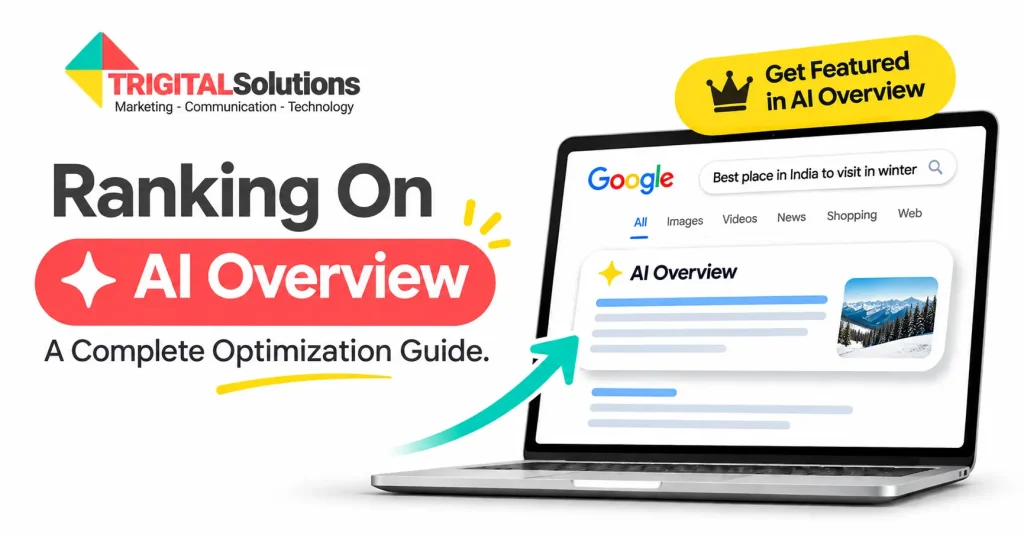
You’ve probably noticed it yourself. You search for something on Google, and before any website shows up, there’s an AI-generated answer sitting right at the top, complete with a few source links. Those links are the new prime real estate of search.
So how do you get your website into that little box? There’s no secret switch, but there are clear, proven ways to improve your odds. In this guide, we’ll cover why AI Overviews matter, how Google picks its sources, ten practical strategies you can start using today, how to measure your progress, and the mistakes that quietly hold websites back.
Why Appearing in Google AI Overviews Matters for Businesses?
AI Overviews sit above the traditional organic results, which means they’re often the first thing your potential customers read. Here’s why showing up there is worth the effort:
- Fewer clicks are reaching regular results. Ahrefs’ latest research found that when an AI Overview appears, the top-ranking page gets a 58 percent lower click-through rate on average. If you’re not in the overview, ranking first isn’t enough anymore.
- You get visibility at the very top. Being cited puts your brand name and link above every organic listing on the page.
- It builds instant credibility. When Google picks your page to support its answer, users see you as a trusted source before they even visit your site.
- The clicks you do get tend to be better. Google says people who click through from results with AI Overviews are more likely to spend more time on the site.
- If it’s not you, it’s your competitor. Every overview has a limited number of sources. Each one you miss is a spot someone else takes.
That’s why more and more brands are now investing in answer engine optimization (AEO) alongside their regular SEO, so they can win visibility both in the classic results and inside AI-generated answers.
How Does Google Choose Websites to Feature in AI Overviews?
Google hasn’t published a secret formula, but its official guidance on AI features and what we see in real search results point to a few clear factors:
- Your page must be indexed and snippet-eligible. This is the basic entry ticket. If Google can’t crawl, index or show a snippet from your page, it can’t cite it.
- Relevance to the full question. Google may use “query fan-out”, running several related searches across subtopics, and then picks pages that answer each piece best. Pages that cover a topic from multiple angles get more chances to be picked.
- Clear, extractable answers. Content that answers a question directly, in a clean passage, is easier for the AI to quote than an answer buried in a long story.
- Helpful, people-first content. Google’s ranking systems still favor original, useful content written for people, not for search engines.
- Trust and authority. Experience, expertise, authoritativeness and trust (E-E-A-T) matter a lot, especially for health, finance and other high-stakes topics.
- Freshness and consistency. Up-to-date information that matches what other trusted sources say is a safer pick for the AI.
One thing worth knowing: Google says you don’t need any special AI files, extra markup or new schema type to appear in AI Overviews. Solid SEO fundamentals are what get you in the door.
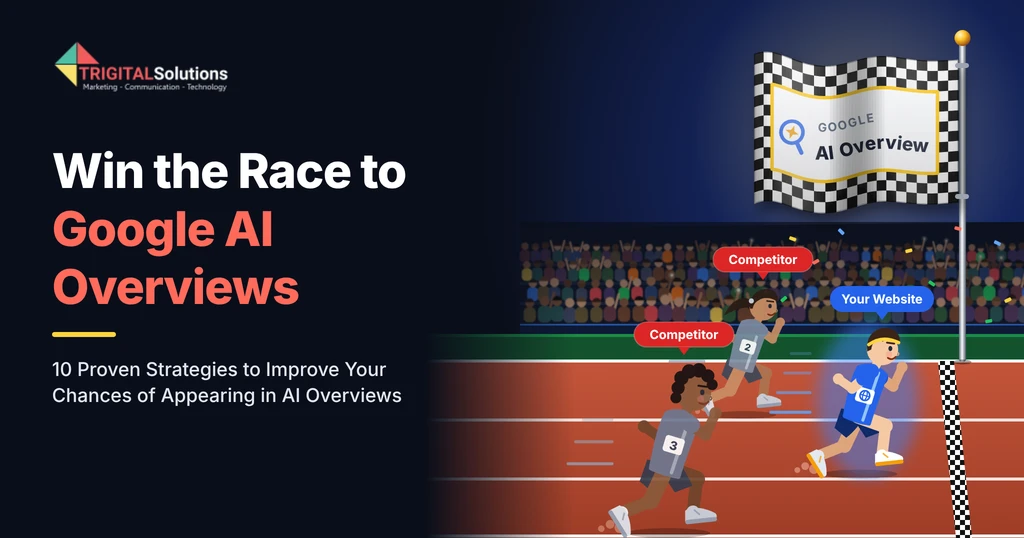
10 Proven Strategies to Improve Your Chances of Appearing in Google AI Overviews
1. Create Helpful, People-First Content
Start by understanding the search intent: does the searcher want to learn, compare or buy? Then give the answer right at the top with an answer-first approach.
Add original insights, examples or first-hand experience your competitors don’t have. That’s the helpful, people-first content AI Overviews prefer to cite.
2. Structure Your Content
Structure your H2 and H3 headings, ask real questions according to the search intent of that specific page, and answer each in 40 to 60 words. It’s the same approach that wins featured snippets.
Then add detail with steps, bullets and comparison tables. A clean heading hierarchy and an FAQ section help AI find the exact passage it needs.
3. Strengthen Content Credibility and Trust
Google cites sources it trusts, and it judges trust through its E-E-A-T algorithm. Show who’s behind your content with author bios and real credentials.
Prove your experience with case studies and real results, cite credible sources, and collect genuine customer reviews, especially for YMYL topics like health and finance.
4. Optimize for Long-Tail Search Queries
People now search with full questions, and these long-tail keywords and conversational queries are where AI Overviews appear most often.
Find them in People Also Ask, your Search Console queries and Reddit, then answer in natural language. This also helps with voice search optimization.
5. Implement Structured Data and Relevant Schema Markup
Schema markup tells search engines what your page is about. Add JSON-LD structured data like FAQPage, Product or LocalBusiness to clarify your content and entities.
Keep it matched to your visible content and test it with the Rich Results Test. It won’t guarantee an AI Overview spot, but it builds clarity and trust.
6. Build Topical Authority
Build topic clusters around a strong pillar page, and run a content gap analysis to find important questions you haven’t covered yet.
Connect related pages with contextual internal linking, and merge thin pages competing for one keyword to avoid keyword cannibalization.
7. Earn Brand Mentions and Authoritative Backlinks
AI also checks what the rest of the web says about you. Brand mentions and authoritative backlinks signal that your business is credible.
Earn them through digital PR, guest posts and expert quotes, and keep complete profiles on review and aggregator sites like Google Business Profile, Clutch, Agency Spotter and DesingRush from a marketing agency perspective.
8. Content Accuracy and Consistent
Outdated stats or prices give Google a reason to skip you. Set a content refresh schedule and show a “last updated” date on key pages.
Keep your brand facts and NAP details consistent everywhere online, and fact-check every claim before you publish.
9. Technical SEO
Make sure robots.txt isn’t blocking Googlebot, submit an XML sitemap, and check your pages are indexed in Google Search Console.
Improve your page speed, Core Web Vitals and mobile friendliness, and keep key content in HTML text, not inside images.
10. Diversify Your Content
AI Overviews also cite videos and data, not just blog posts. Publish YouTube videos with chapters, transcripts and VideoObject schema.
Add infographics with alt text, publish original research, and repurpose your content across platforms so AI finds your brand in more places.
How to Measure Your Website’s Visibility in Google AI Overviews
Here’s the tricky part: there’s no single report that says “you appeared in 47 AI Overviews this month”. But you can piece together a clear picture using a few tools and habits.
1. Google Search Console: Google includes clicks and impressions from AI Overviews and AI Mode in the regular Performance report, under the “Web” search type. They aren’t shown separately, so watch for patterns. Rising impressions with falling click-through rates on informational queries is often a sign that AI Overviews are appearing for those searches.
2. GA4 generative AI data (the AI Assistant channel): In May 2026, Google added a native AI Assistant channel to GA4’s Default Channel Group. Visits from recognized AI assistants like ChatGPT, Gemini and Copilot are now labeled automatically, with the medium set to “ai-assistant”. You’ll find it under Reports > Acquisition > Traffic acquisition. A couple of things to keep in mind:
- Clicks from Google’s own AI Overviews and AI Mode are still counted under Organic Search, not AI Assistant.
- Older data isn’t reclassified, and visits that arrive without a referrer still show up as Direct.
3. AI referral traffic with a custom channel group: For a fuller view, create a custom channel group in GA4 that groups AI sources such as chatgpt.com, perplexity.ai, gemini.google.com, copilot.microsoft.com and claude.ai. Place it above the Referral channel so these visits don’t get mixed into general referrals. Then compare landing pages, engagement and conversions against your other channels.
4. Manual checks in AI assistants: Make a list of 20 to 30 questions your customers really ask. Every couple of weeks, run them in Google (to see AI Overviews), AI Mode, ChatGPT, Gemini and Perplexity. Note whether your brand is mentioned, whether your page is linked and which competitors appear instead.
5. AI visibility tracking tools: Tools like Semrush, Ahrefs and other AI visibility trackers can monitor which of your keywords trigger AI Overviews, how often your site is cited and how your share of voice compares with competitors.
6. Branded search and lead sources: AI visibility often shows up indirectly. Track growth in branded searches and direct traffic, and add a simple “How did you hear about us?” field to your forms. You might be surprised how many people say “ChatGPT” or “Google’s AI answer”.
Common Mistakes That Can Affect Your Visibility in AI Overviews
Even great websites miss out on AI Overviews because of a few avoidable slip-ups. Watch out for these:
- Blocking Googlebot by accident: A wrong robots.txt rule, CDN setting or “nosnippet” tag can keep your pages out of AI Overviews completely.
- Burying the answer: Long intros and storytelling before the actual answer make it hard for AI to find what it needs.
- Writing for bots instead of people: Keyword stuffing and robotic phrasing hurt both rankings and trust.
- Mass-publishing thin AI content: Dozens of generic, unedited AI articles add nothing new and rarely get cited.
- Using schema that doesn’t match the page: Marking up content that isn’t visible to users can do more harm than good.
- Letting content go stale: Old stats, outdated pricing and broken examples push the AI toward fresher sources.
- Inconsistent brand information: Different business details across your website, Google Business Profile and directories confuse both users and AI.
- Ignoring off-site presence: If your brand is invisible on YouTube, Reddit, LinkedIn and review platforms, you’re missing many of the sources AI loves to cite.
- Chasing AI and forgetting SEO: AEO only work on top of strong SEO fundamentals, not instead of them.
- Only measuring clicks: In an AI-first search world, brand mentions and citations count too, even when they don’t lead to an immediate click.
Conclusion
Getting into Google AI Overviews isn’t about tricks or shortcuts. It’s about being the clearest, most trustworthy and most useful answer to the questions your customers are asking.
Start with the basics: make sure Google can crawl and index your site, answer questions directly, structure your pages well and keep your information fresh. Then build on it with topical authority, strong E-E-A-T signals, brand mentions and content across multiple formats. And keep measuring, because what gets tracked gets improved.
Search will keep changing, but businesses that combine solid SEO with smart Answer Engine Optimisation (AEO) and Generative Engine Optimisation (GEO) will keep showing up wherever their customers look. If you’d like a hand building that strategy, the team at Trigital Solutions is always happy to help.
Frequently Asked Questions (FAQ)
What are Google AI Overviews?
AI Overviews are AI-generated summaries that appear at the top of Google search results, with links to the sources Google used to build the answer.
How does Google choose which websites appear in AI Overviews?
Google picks indexed, snippet-eligible pages that answer the query clearly, cover the topic well and show strong trust and authority signals.
Do I need special code or files to appear in AI Overviews?
No. Google says there are no extra technical requirements. Your page just needs to be indexed and eligible to show a snippet in search.
Does schema markup help me get into AI Overviews?
Schema helps Google understand your content and entities, but it isn’t a guarantee. It works best alongside helpful, well-structured content.
How long does it take to appear in AI Overviews?
Well-targeted pages can start appearing within a few weeks, while broader AI visibility usually builds over three to six months.
How can I track whether my website appears in AI Overviews?
Use Google Search Console, the AI Assistant channel in GA4, manual checks in AI tools and AI visibility tracking tools like Semrush or Ahrefs.
What is E-E-A-T, and why does it matter for AI Overviews?
E-E-A-T stands for Experience, Expertise, Authoritativeness and Trust. Google uses these signals to judge credibility, so pages that show them are more likely to be cited in AI Overviews.
At Trigital Solutions, we believe growth isn’t just a goal — it’s a hunger. That’s why we call ourselves “The Super Brand Digital Marketing Agency to meet your super growth appetite.”